Introduction
The AZ3 new map has officially joined the Delta Force Hazard Operations mode, bringing players fresh challenges and opportunities with its entirely new terrain layout and resource distribution. DeltaForceTools team completed a comprehensive update of AZ3 map data at the first opportunity, providing players with one-stop assistance from route planning to in-game resource searching.
Whether you're a newcomer just getting started with AZ3 or a veteran looking to optimize your knife-run efficiency, this article will walk you through the four core features that DeltaForceTools has launched for the AZ3 new map, helping you quickly familiarize yourself with the map structure, master resource distribution, and plan optimal routes.
1. Route Simulation — Optimal Paths from Spawn Points
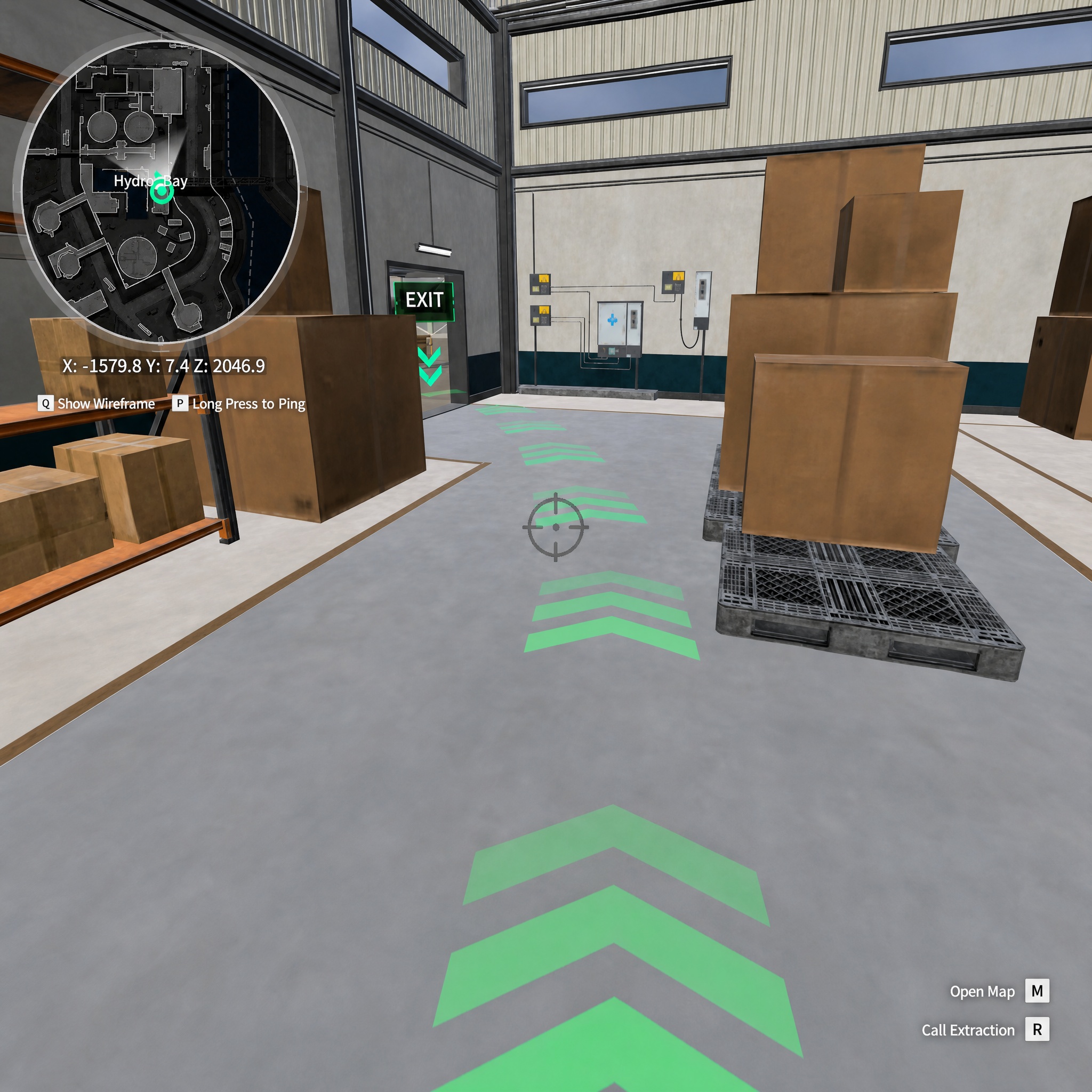
AZ3 map features complex terrain and dense buildings, making it easy to get lost on your first visit. DeltaForceTools provides a dedicated optimal route simulation feature starting from spawn points, allowing players to view multiple verified knife-run routes in the tool. Each route is annotated with its starting point, key areas along the way, and recommended search order. Players can follow along directly in the tool to familiarize themselves with routes before entering actual combat.
The core value of this feature lies in front-loading the "trial and error cost" to the tool side. Players no longer need to repeatedly explore the map in-game — simply select a spawn point in DeltaForceTools to view the corresponding recommended route and resource distribution along the way, allowing you to enter combat fully prepared.
2. 3D Interactive Map — Full Recreation of In-Game Terrain
Traditional flat maps struggle to convey the multi-level structure of buildings on the AZ3 map. DeltaForceTools's 3D interactive map feature provides a full recreation of the in-game map, allowing players to freely rotate and zoom the perspective to observe building interiors, floor layouts, and surrounding terrain from any angle.
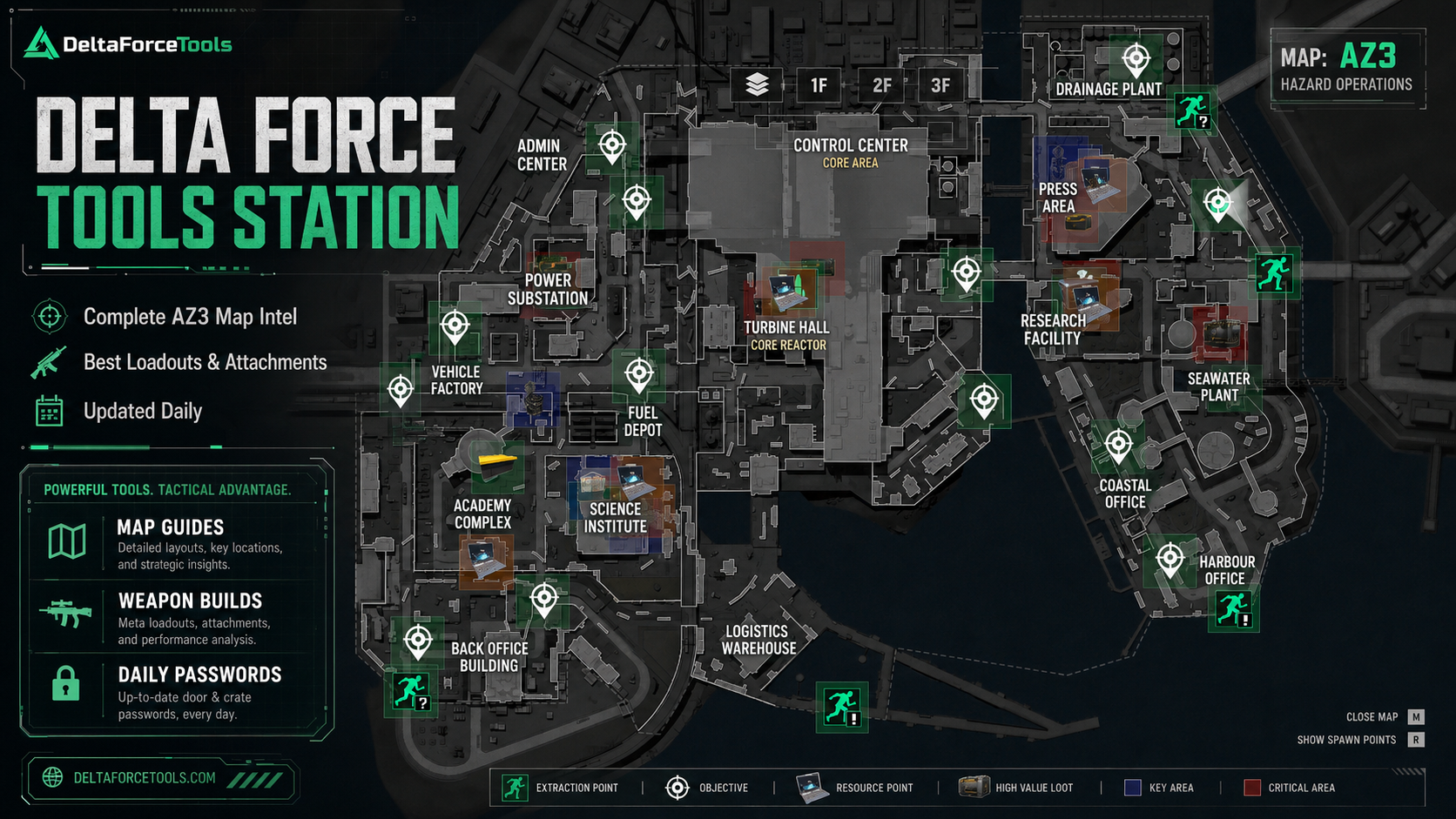
The AZ3 map includes multiple functional areas such as the Drainage Plant, Admin Center, Control Center, Core Area, Substation, Turbine Facility, Core Reactor, and Seawater Plant, connected by corridors, passageways, and outdoor paths. The 3D interactive map faithfully restores the true spatial relationships between these areas, enabling players to understand building connections and travel routes in advance, effectively reducing the chance of getting lost during actual gameplay.
This feature is especially useful for scenarios where you need to quickly identify potential enemy positions or plan extraction routes, helping players build a complete understanding of the terrain before entering combat.
3. Resource Marker Overview — Card-Swipe Points and High-Value Loot Distribution
The AZ3 map contains a large number of card-swipe points, resource points, and extraction points, making them costly to memorize. DeltaForceTools provides a detailed resource marker feature in the map overview, including card-swipe point locations, high-value loot areas, key areas, and extraction points.
Each marker type is distinguished by different icons: extraction points, objectives, resource points, high-value loot, and key areas all have independent identifiers, allowing players to grasp the entire map's resource distribution at a glance. Additionally, the tool supports displaying spawn points, making it convenient for players to combine with the route simulation feature for comprehensive planning.
Through the resource marker overview, players can quickly locate the highest-value search areas on the AZ3 map, allocate search time reasonably, and avoid wasting valuable in-game time in low-value areas.
4. Container Search Loot Simulator — Web-Based Perfect Recreation of PC Game Functionality
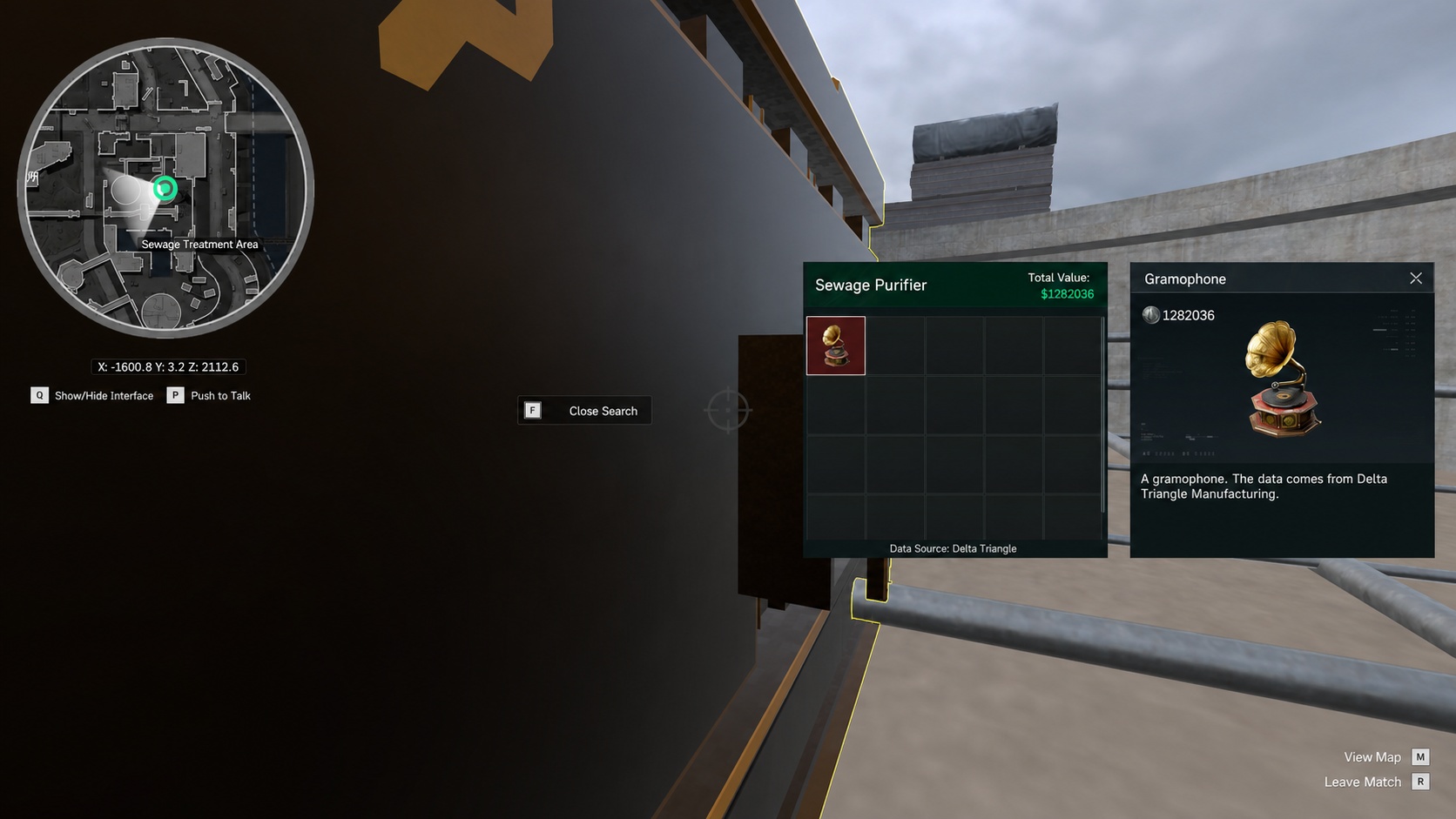
Searching containers in actual combat often requires significant trial and error. DeltaForceTools's container search feature provides a loot simulation experience, allowing players to directly search and view container resource information on the web, perfectly recreating the search experience from the PC game.
This feature brings the container search experience from the PC game to the web. Players can browse container loot output across different areas without launching the game. For players entering the AZ3 map for the first time, this feature helps them understand the loot distribution of each area before playing, enabling them to target specific search objectives during actual gameplay and significantly improving looting efficiency.
When used together with the resource marker overview, the container search loot simulator creates a complete information chain — from "knowing where the loot is" to "knowing exactly what to search for" — ensuring every knife-run is well-informed.
Conclusions:
The launch of the AZ3 new map brings a fresh gaming experience to Delta Force players, and DeltaForceTools's four core features — route simulation, 3D interactive map, resource marker overview, and container search loot simulator — provide players with comprehensive new map strategy support. Visit DeltaForceTools.com now to experience the full feature set, quickly master the AZ3 new map, and boost your looting efficiency.
How to Use This Tool:
https://s1-static.deltaforcetools.gg/dftool/dfmaptool/en/index.html